



Cashed Casino App
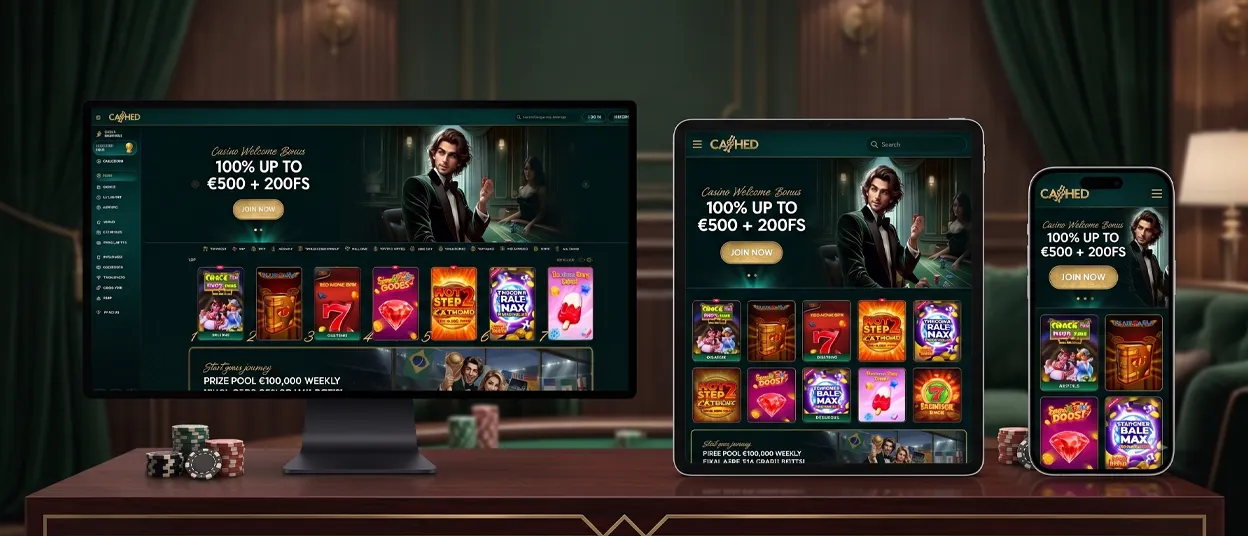
We built the Cashed app as a Progressive Web App, so playing on the move starts the moment you open a browser. Adding the icon to your home screen takes a few taps, and from there the gaming experience opens as fast as any installed app — the full Cashed casino, running on Android, iOS and desktop without a separate download from an app store.



Cashed Mobile Casino
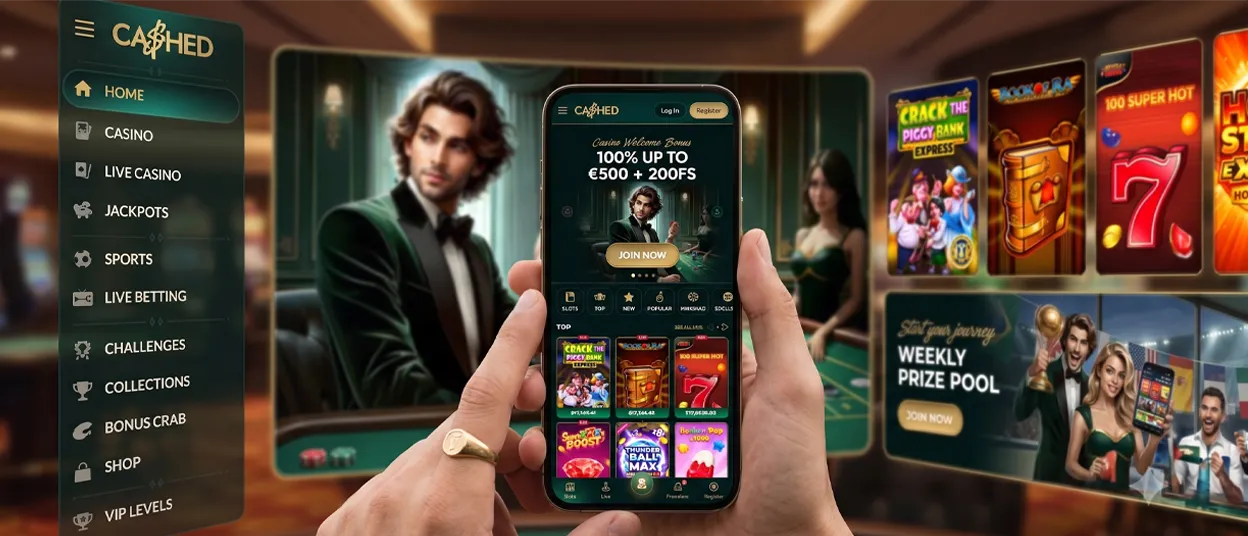
The mobile version keeps the same account, balance and game library as on the desktop — only the layout changes. We place menus closer to your thumb so the Cashed Casino lobby loads in fewer taps, and navigation between online slots and live tables feels shorter on a smaller screen. A bigger screen gives you a wider view of the lobby; a phone gives you a casino you can carry in your pocket. Neither format takes anything away from the other — we simply built each to suit different moments of play.
Here is how the PWA compares across the platforms you might use:
| Platform | How do you open it | What you install | How it updates |
|---|---|---|---|
| Android | Chrome or the browser you use | Home screen shortcut, no APK file | Automatically, in the background |
| iOS | Safari | Home screen icon via Add to Home Screen | Automatically, in the background |
| Desktop | Any modern browser | Nothing — runs directly in the browser | Automatically, with every page load |
Cashed App for Android
Android users reach the Cashed app through Chrome or the browser they use, without visiting Google Play. Once the site is open, the browser menu offers an option to add the page to the home screen, and a Cashed icon appears next to your other apps within seconds. Tapping that icon skips the address bar entirely and drops you straight into the lobby, full-screen and ready to load.
We don’t offer an APK file for the Cashed app. Our PWA covers the same ground — a home screen icon, full-screen play and automatic updates — without asking you to install a file from outside the store or manage updates by hand.
Cashed App for iOS
iPhone and iPad users go through Safari instead of an app store listing. The steps mirror Android closely, though the menu sits in a different place.
To add the app on iOS:
- Open our platform in Safari or the browser you use.
- Tap the Share icon at the bottom of the screen.
- Choose “Add to Home Screen.”
- Confirm by tapping “Add.”
Once added, the Cashed app icon behaves like any other app on the screen — it opens without the Safari address bar and keeps your account signed in between sessions. Slots, live casino games and jackpots all load the same way they do on Android.
Cashed on Desktop
Desktop access needs no install at all. Open our website in any modern browser, and the full Cashed Сasino loads immediately, with the widest view of the lobby and the most room for live casino tables. We support pinning the site as a shortcut in Chrome and Edge, which places a Cashed icon on the taskbar or desktop for quicker access next time.
One Account on Every Device
Your account carries over between Android, iOS and desktop without any extra steps. Log in once, and the balance, game history and settings stay identical wherever you continue on the Cashed Сasino — a session started on a phone during a commute can finish later on a desktop screen.This is one of the advantages of a single PWA — the support experience stays consistent instead of splitting across separate app versions.
FAQ
Can I use Cashed without installing anything?
Yes. The site runs in full in any modern browser on Android, iOS or desktop — installing the icon is a shortcut, not a requirement.
Does the Cashed app cost anything to install?
No. Adding the icon to your home screen is free and takes a few seconds through Chrome or Safari.
Will my games and balance stay the same after I add the app?
Yes. The PWA connects to the same account as the browser version, so your balance and game history carry over automatically.


